Preparing the tool. You can choose your files now.
Merge PDF
Arrange multiple PDFs and save them as one file.
Files are processed on your device and are not stored on our server.
You can also drop a PDF here.
All pages in each PDF are merged in the file list order. To use only some pages, extract them first. Split PDF →
Choose a PDF file to get started.
Merge the one-page cover A with the two-page body B and C to get a PDF in the order A → B → C.
See sample files and results
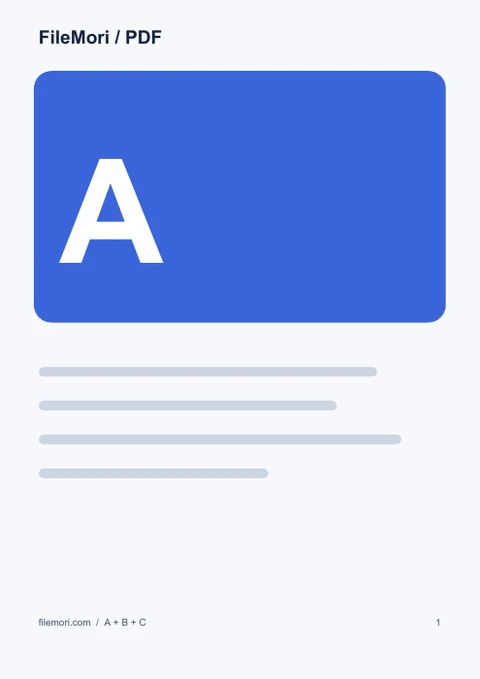
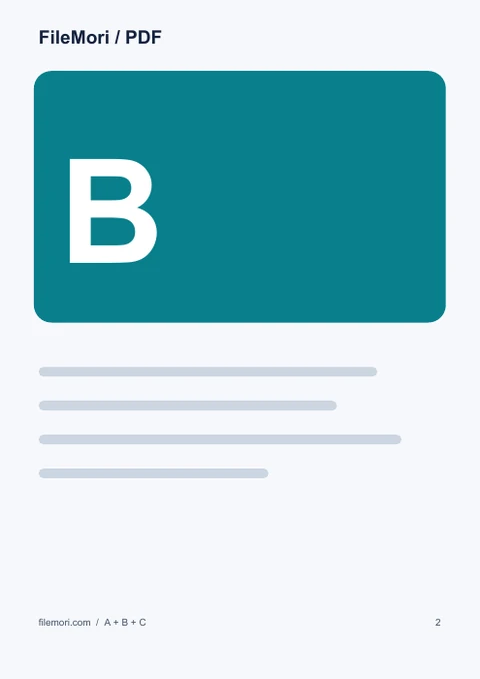
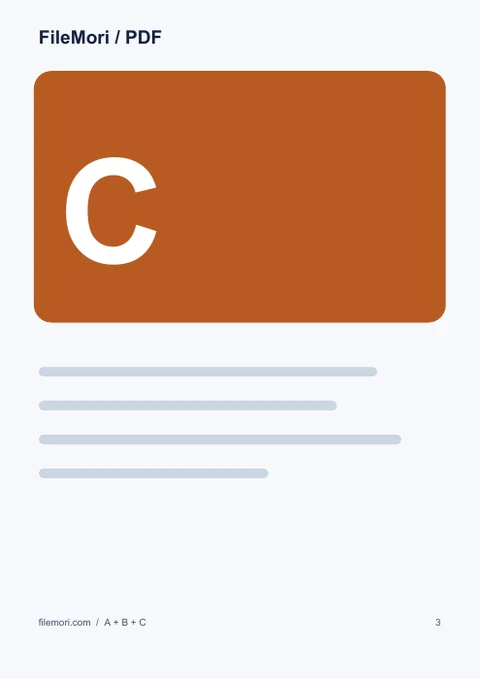
Select the cover first and the body second. Use the move buttons beside each file to change their order.
Check the page order and look for missing pages. These are ordinary PDFs; they do not demonstrate support for encrypted documents, digital signatures or fillable forms.
Original examples made by FileMori. Results use the same PDF engine as this site. Keep your originals and check the saved files. 1 KB = 1,000 B.
How to use
- Choose the PDFs to combine.
- Check the previews and arrange the files.
- Merge the PDFs and download the result.
Current limits: 50 MiB (about 52 MB) per file, 100 MiB (about 105 MB) combined, up to 10 files and 300 pages in total. These are precautionary starting limits, not a guarantee that every device can process them.
Forms, bookmarks and digital signatures may not be preserved. Your original file stays unchanged.
What to check before merging PDFs
What determines the page order?
Files are merged from top to bottom in the list. For example, a one-page cover followed by a two-page document produces a three-page PDF: cover → document page 1 → document page 2. The page order within each file is preserved.
Can I merge only some pages?
First use Split PDF to save the pages you need, then add those PDFs to the merge tool. Merge PDF uses every page in each selected file. Changing file order does not rearrange individual pages within a file.
Can I merge scanned PDFs?
Valid PDFs containing scanned images can be merged. This does not recognize text or edit the document contents. Merging does not guarantee a smaller file, so check the saved file if you have an upload limit.
What about passwords, signatures and forms?
Encrypted PDFs are not supported. Forms, bookmarks and digital signatures may not be preserved, so keep your originals. Open the saved PDF and check the page count, order, text and signatures before submitting it.
Split out the pages you needTo remove, rotate or reorder pages in the merged result, use Organize PDF pages. Organize the merged PDF