How to compress a photo to 100, 200 or 500 KB
If a form says “200 KB or less”, check file size first. Pick the destination’s limit below to open the compressor with that target applied.
From selection to download
- Choose JPG, PNG or WebP photos. Without a photo, use ‘Try a sample photo’ in the tool.
- Check the 100, 200 or 500 KB target, or enter a custom target, then process.
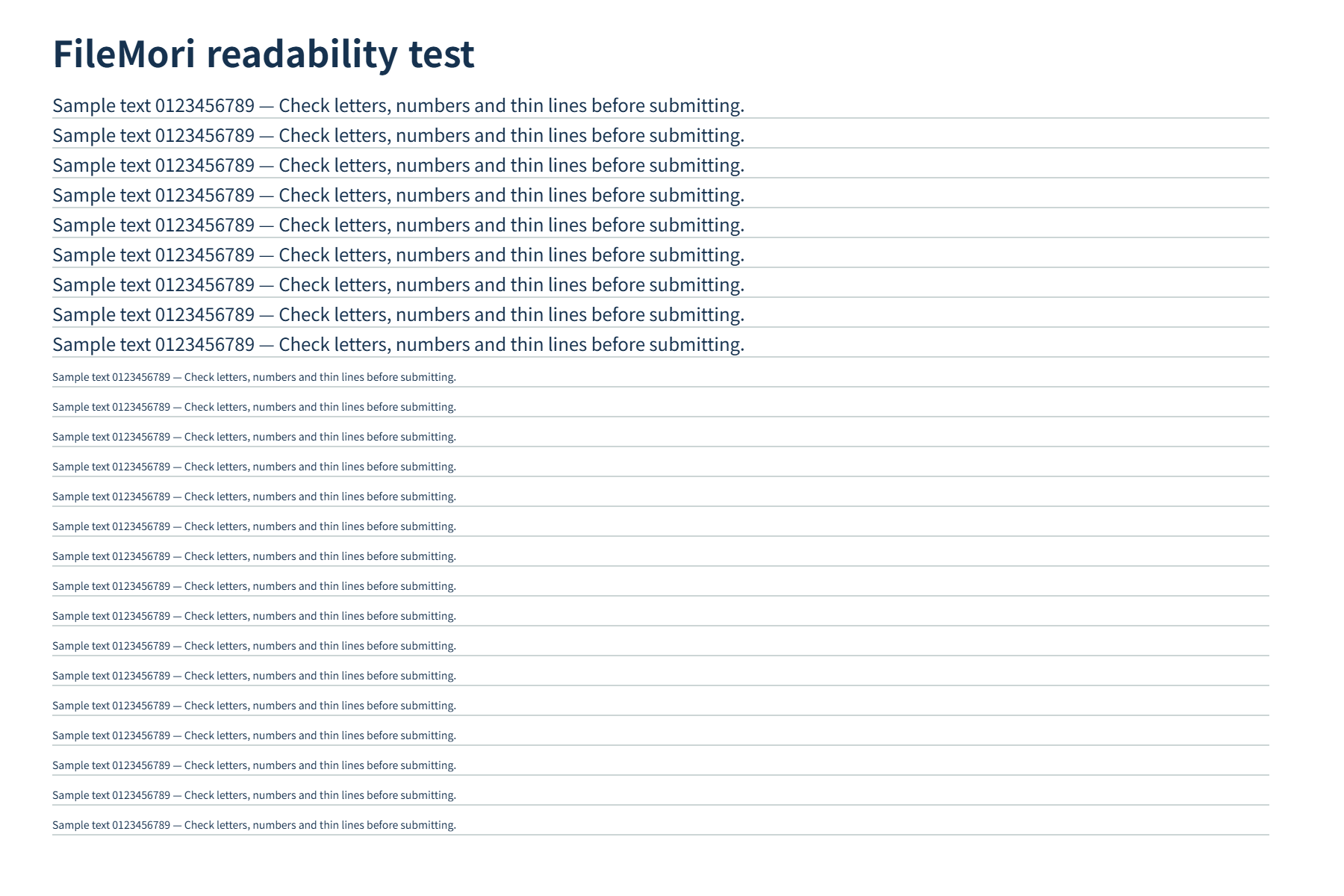
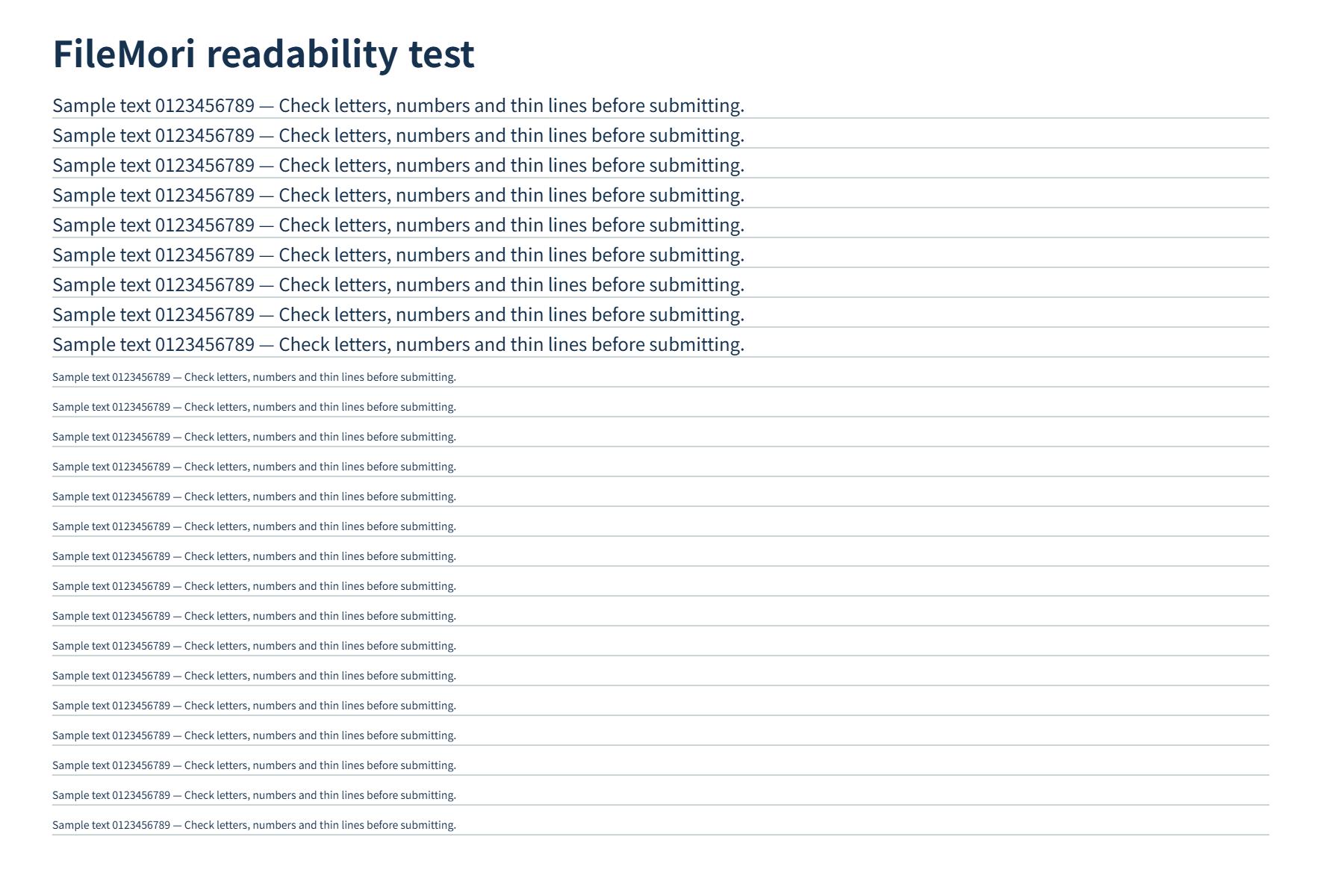
- Read the actual output size and pixel dimensions. Compare Original and Preview to check small text.
- Download and verify the file at its destination. Meeting a size target does not guarantee acceptance.
If the target is not reached
A finished result may still exceed your size limit. If you see ‘Over target’, check the limit before submitting. Try another supported output format or smaller dimensions where permitted. An already small file may not shrink further.
Check quality and dimensions together
Meeting the target can reduce quality and pixel dimensions. Zoom in on document text. Converting transparent PNG to JPG fills transparent areas with your selected background color. Keep the original separately.
FileMori uses 1 KB = 1,000 bytes. Check the destination’s byte limit if it uses a different convention.
Help and related tools
Start with your photo’s purpose
See actual results
Smaller targets may reduce quality or dimensions. Compare the actual file size and pixels.


View details
| Result | File size | Pixel dimensions |
|---|---|---|
| AI-generated cafe image · Target size 1000 KB | 3,383.7 → 488.1 KB · Within target | 1600 × 1000 |
| AI-generated cafe image · Target size 500 KB | 3,383.7 → 488.1 KB · Within target | 1600 × 1000 |
| AI-generated cafe image · Target size 200 KB | 3,383.7 → 199.5 KB · Within target | 1600 × 1000 |
| Locally drawn text test image · Target size 200 KB | 357.1 → 199.1 KB · Within target | 1800 × 1200 |
| Locally drawn text test image · Target size 10 KB | 357.1 → 9.8 KB · Within target | 583 × 389 |
| Keep pixel dimensions · Target size 10 KB | 3,383.7 → 47.4 KB · Target exceeded | 1600 × 1000 |
Check small text and edges before using the result. A smaller file does not guarantee acceptance by the destination.