Preparing the tool. You can choose your files now.
TikTok Photo Resizer · Fit Portrait Photos with Borders
Prepare portrait or square images for TikTok photo posts. Crop, add borders and resize, then check the actual JPG file size and preview before downloading.
Choose a photo and settings
JPG · PNG · WebP — Up to 50 MB and 50 million pixels per photo
The 9:16, 4:5 and 1:1 options are editing starting points, not official TikTok requirements. Starts at 1080×1920 px, JPG, with no file size target.
Preview
Preview the framing and margins here. Create the result to check the saved file’s quality and size.
Choose a photo to open the editor.
File limits
You can add several photos; they are processed one after another. Results are kept up to 100 MB in total; the same limit applies to ZIP downloads. Large photos may fail on some devices. Accepted input formats for this tool: JPG / PNG / WebP. HEIC and RAW are not supported.
Up to 20 photos, 500 MB total. Select a photo to adjust its crop. Photos you open keep their own settings; unopened photos use the current settings. Photos and edits are cleared when you close this page.
Check and save
Compares the image before and after compression, with the same crop and dimensions in both previews. Check quality and destination requirements; acceptance is not guaranteed.
Download resultCompare and zoom
If the saved file is not visible, check browser downloads or the Downloads folder in your Files app.
To reuse these settings later, give them a name under “Saved editing settings”.
Adjust crop and rotation
Drag inside the selection to move it, or drag a corner to resize. Numeric controls are available below.
Enter exact crop coordinates
Custom dimensions and file size
Uses your current selection. Your original file stays unchanged.
Save in other sizes
Edit multiple photos
Save in other sizes
The three social media sizes use your selected area. Adding margins keeps that area intact; filling the frame crops it from the center for each size. Check each result.
Results
Saved editing settings
Start with saved settings
Your editing settings are saved in this browser. Photos, filenames and crop positions are not saved. Settings do not sync across devices and are removed when you clear site data.
How to prepare your photo
- Choose a preset for your intended placement, then select a photo or try the sample.
- Check the margins and crop in the preview. Adjust dimensions, format or target file size if needed.
- Create the result, check its actual size and pixel dimensions, then download. Check the destination app’s preview before posting.
Help and related tools
Ratio, dimensions and file size are different
Choose a quick setting for where you plan to post, then check the result’s pixel dimensions and file size. Images with the same aspect ratio can have different pixel dimensions.
JPG does not support transparency. HEIC and animated inputs are not supported. The photo you’re editing is not retained when you leave this page.
Start with your photo’s purpose
Before you post
This tool prepares still images for photo posts; it does not create videos or slideshows. App controls, captions and previews may cover parts of the image. Keep important details away from the edges and check in TikTok. Check the official help for current requirements for your intended placement.
Each JPG, PNG or WebP photo can be up to 50 MB and 50 million pixels. Videos, HEIC and animated images are not supported. This is not a design tool for adding text or stickers.
Your photos are processed on your device and are not stored on a server. Visit analytics follows the settings in our privacy notice.
Related photo tools
See an example
See actual results
Pixel dimensions and file size are different requirements. Check both after processing.
View details
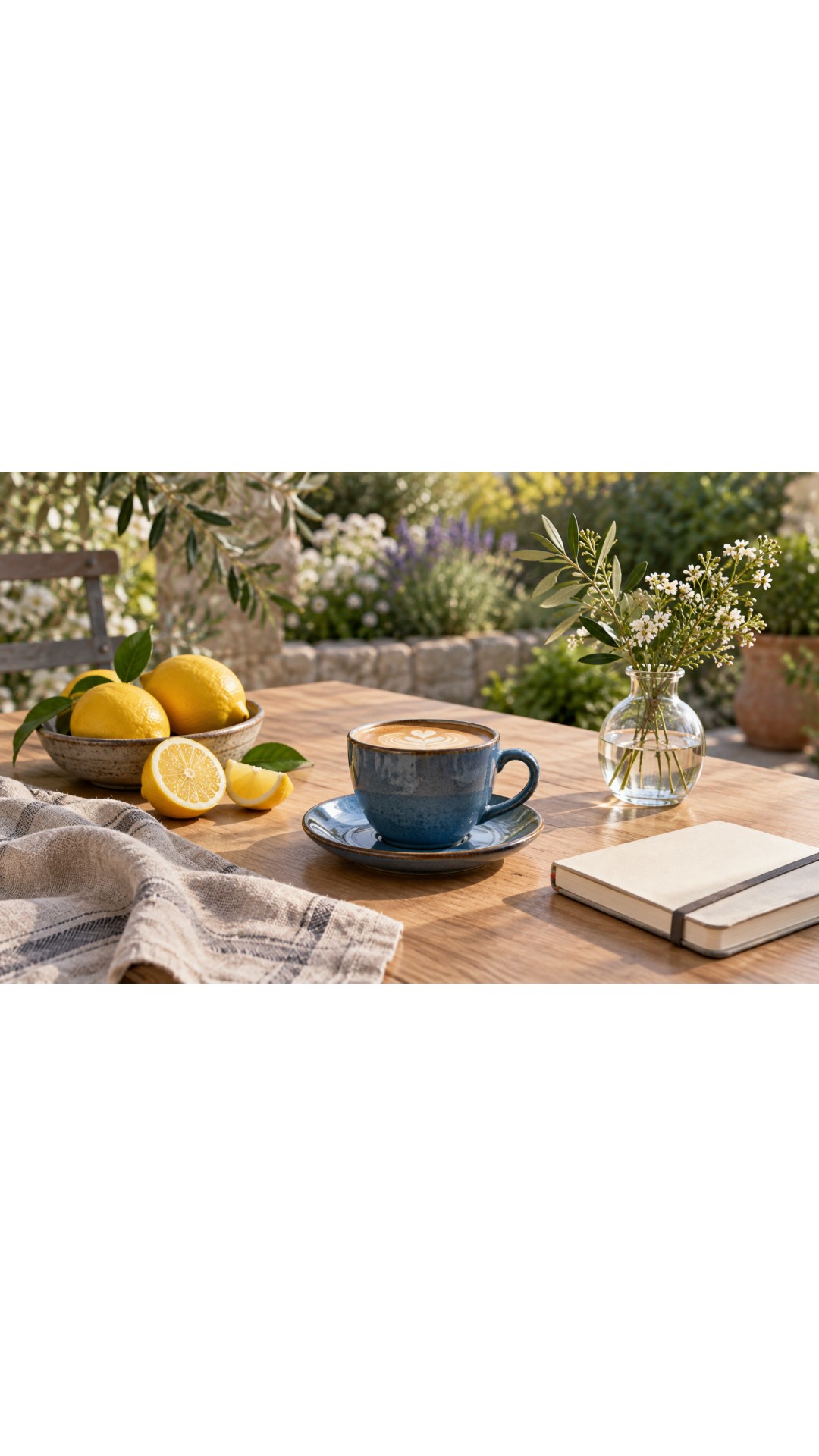
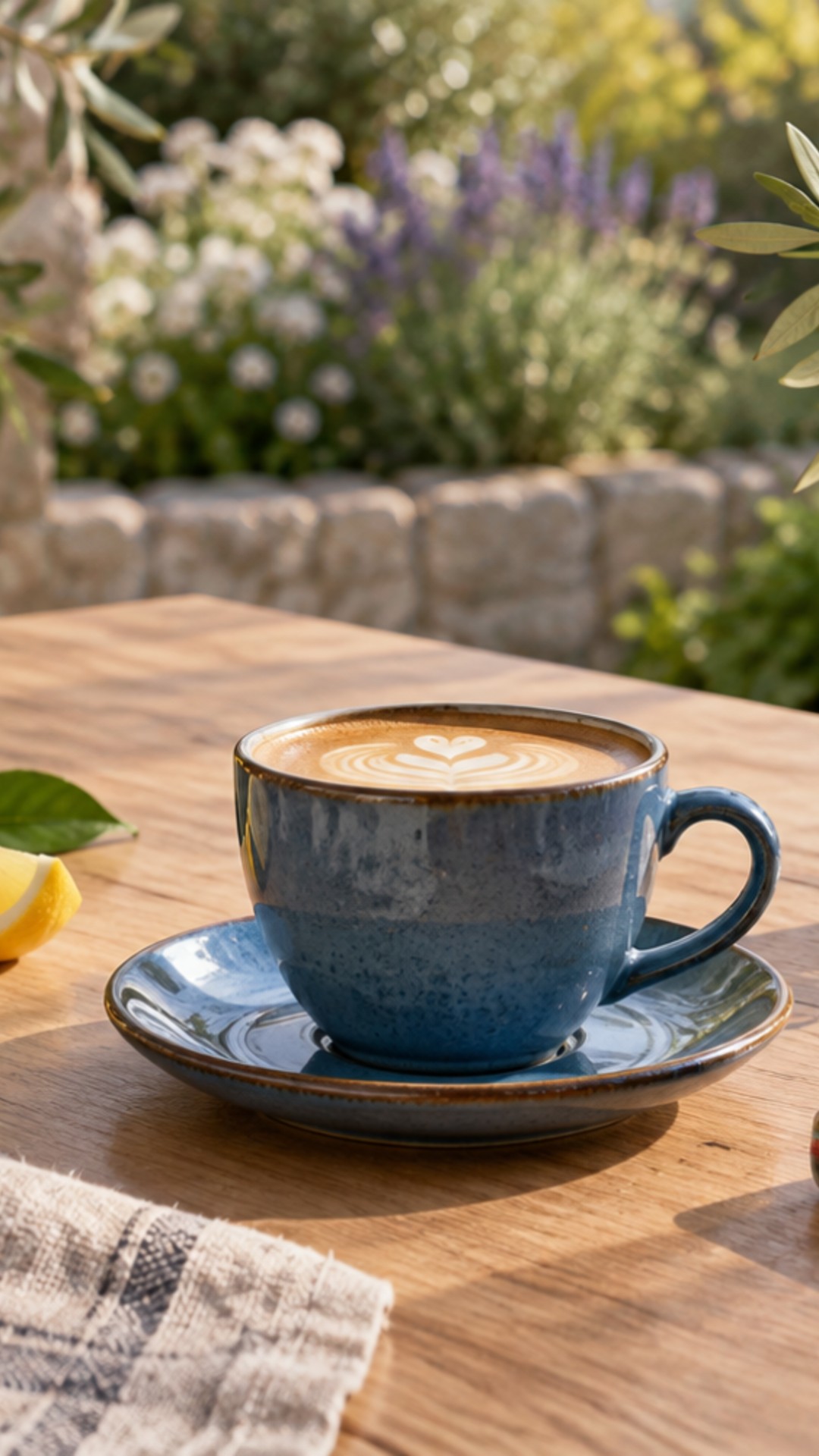
| Result | File size | Pixel dimensions |
|---|---|---|
| Keep the whole photo with margins | 3,383.7 → 212.7 KB | 1080 × 1920 |
| Crop to fill the frame | 3,383.7 → 270.1 KB | 1080 × 1920 |
This example allows enlargement to reach the selected dimensions; enlarging does not restore missing detail.
Check small text and edges. Also check the posting app’s preview for cropping or anything covering important parts of the photo.