How to compress a photo to 100, 200 or 500 KB
Choose the file-size limit required by your destination. The buttons below open the compressor with that target applied. The actual result may differ from the target.
Actual results at different file-size targets
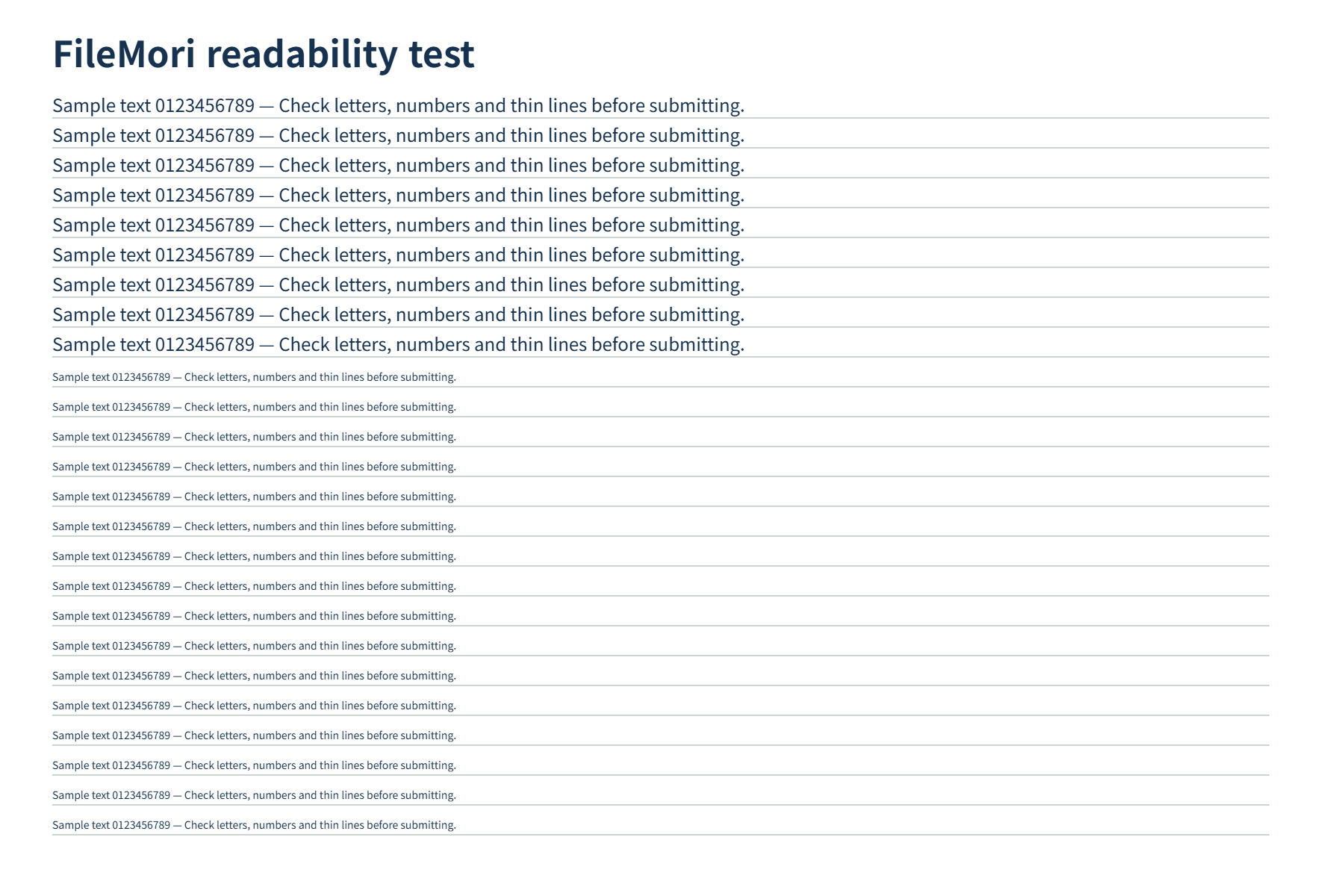
The 200 KB target produced a 199.5 KB file. Both the 500 KB and 1 MB targets produced 488.1 KB from the same original. A target is an upper limit to aim for, not an exact output size.
Smaller targets may reduce quality or dimensions. Compare the actual file size and pixels.
View details
Keeping the pixel dimensions with a 10 KB target produced 47.4 KB, exceeding the target. The comparison table below includes this result. If exact dimensions are required, check whether the file-size target was met as well.
| Result | File size | Pixel dimensions |
|---|---|---|
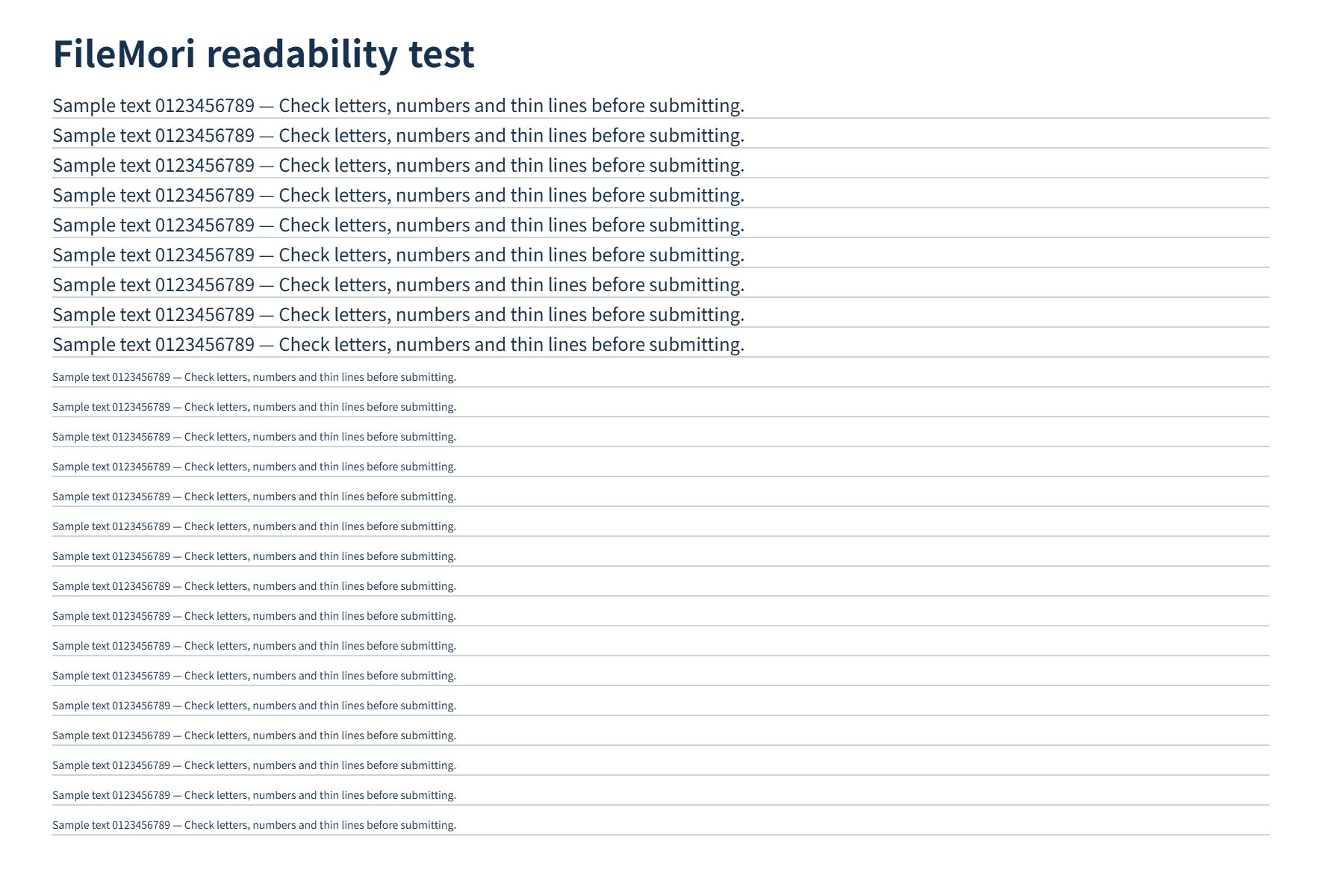
| Locally drawn text test image · Target size 200 KB | 357.1 → 199.1 KB · Within target | 1800 × 1200 |
| Locally drawn text test image · Target size 10 KB | 357.1 → 9.8 KB · Within target | 583 × 389 |
| Keep pixel dimensions · Target size 10 KB | 3,383.7 → 47.4 KB · Target exceeded | 1600 × 1000 |
Check small text and edges before using the result. A smaller file does not guarantee acceptance by the destination.
Follow these steps
- Choose your photos, or try the sample first.
- Check the target size. For 100 KB, open “More sizes” or enter 100 in the KB field. Open “Format and background” if you need to change either setting.
- Process the photos, then check actual file size and dimensions. Compare the original and result, zoom in on small text, and save.
The same example at 100, 200 and 500 KB
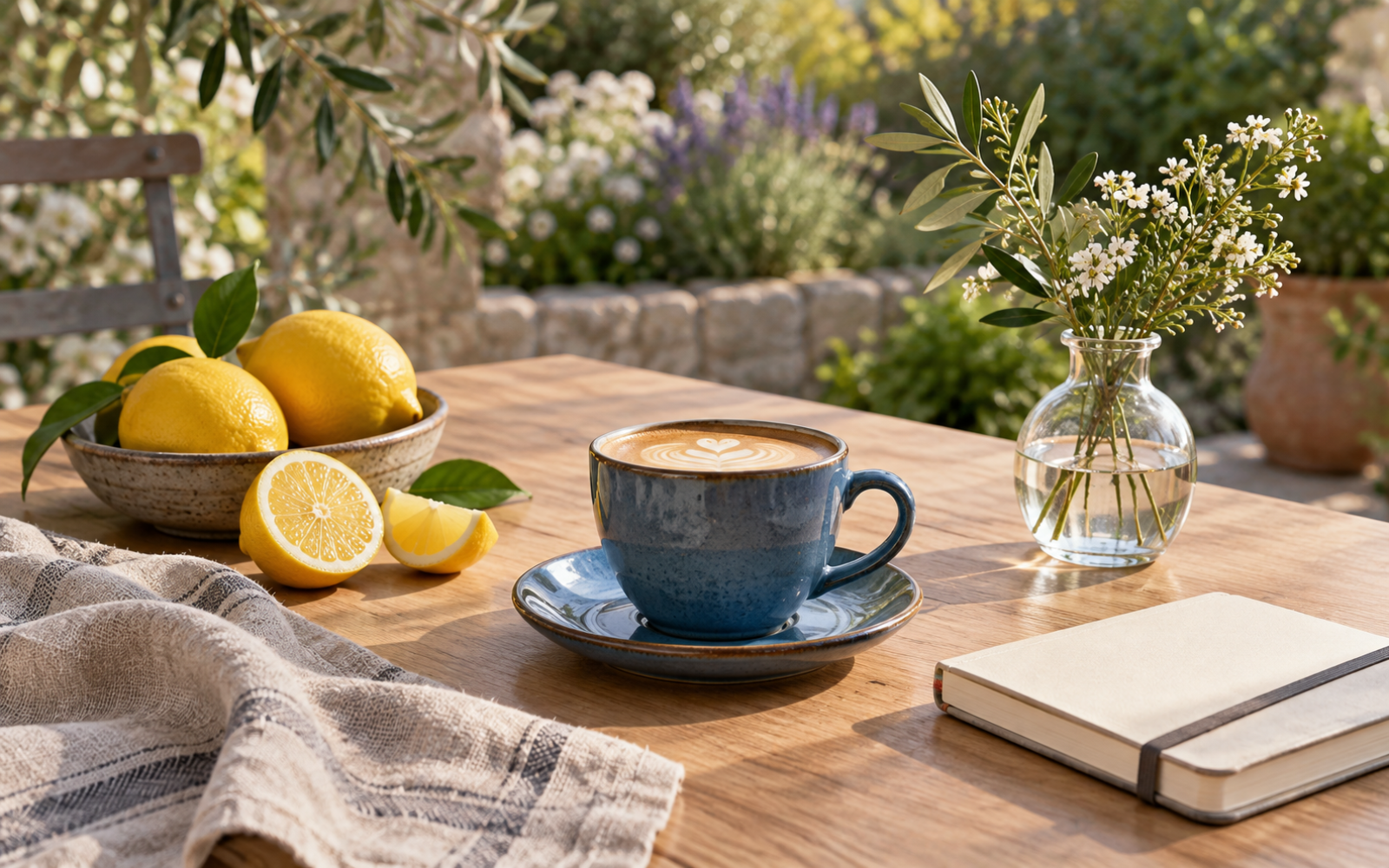
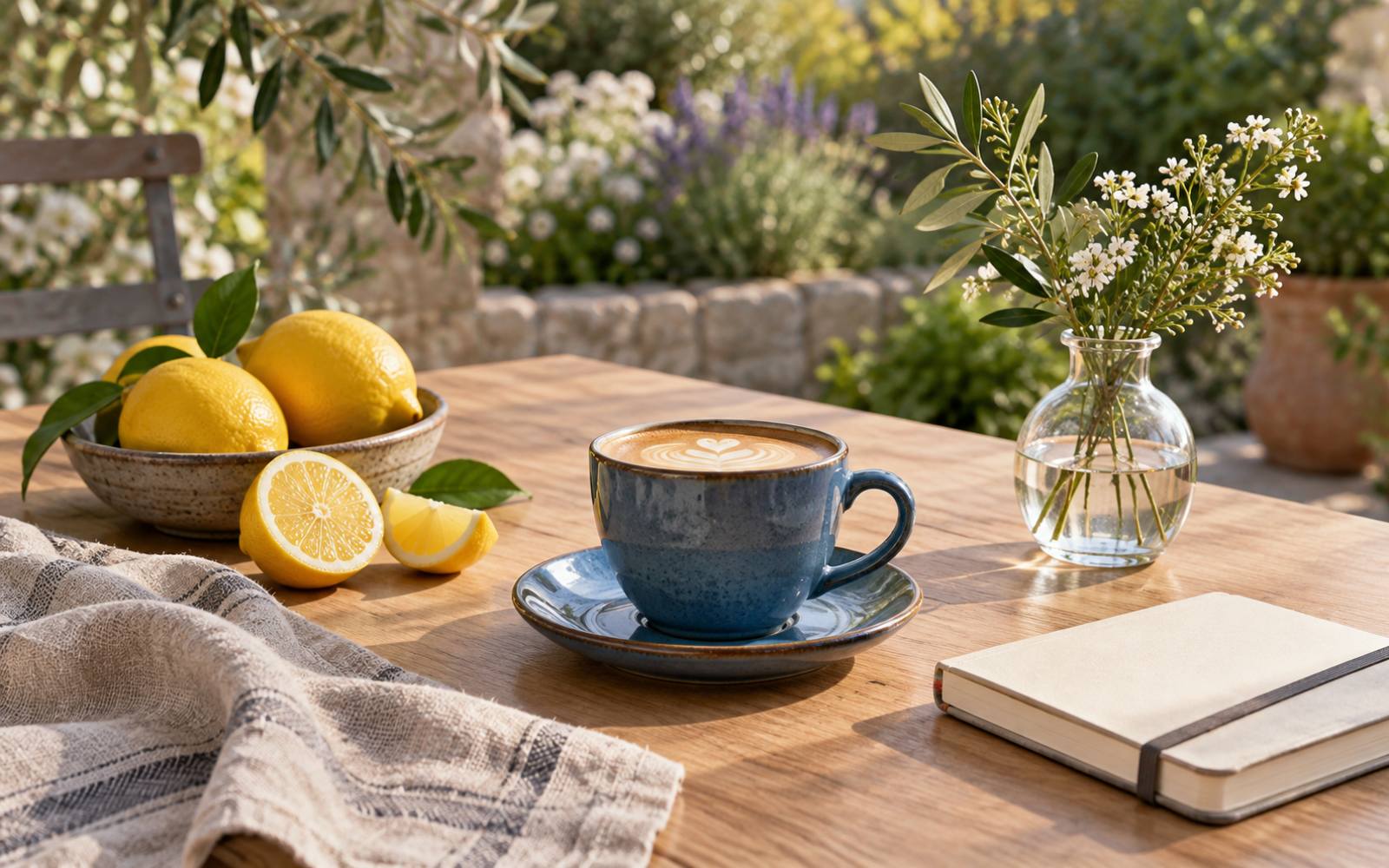
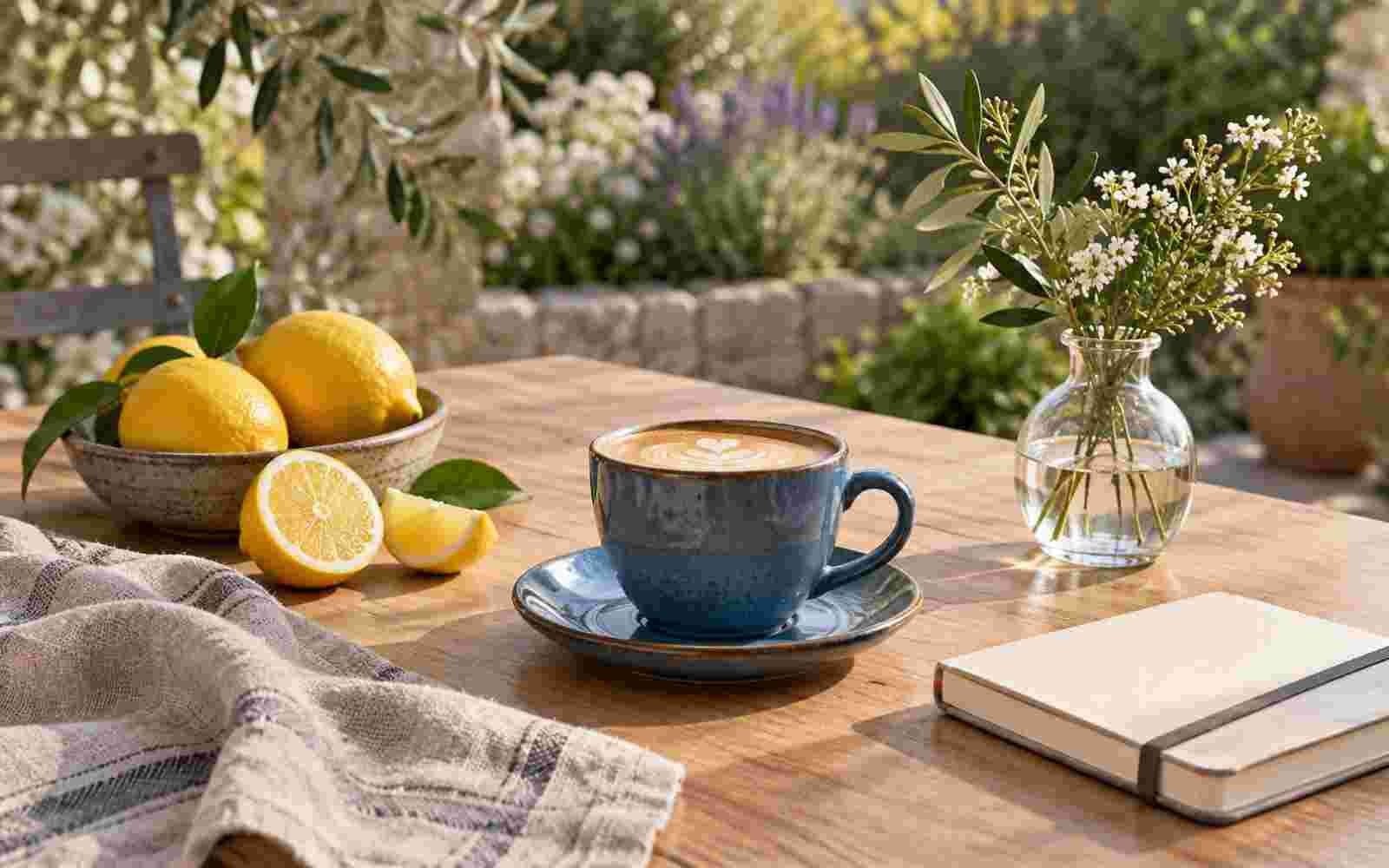
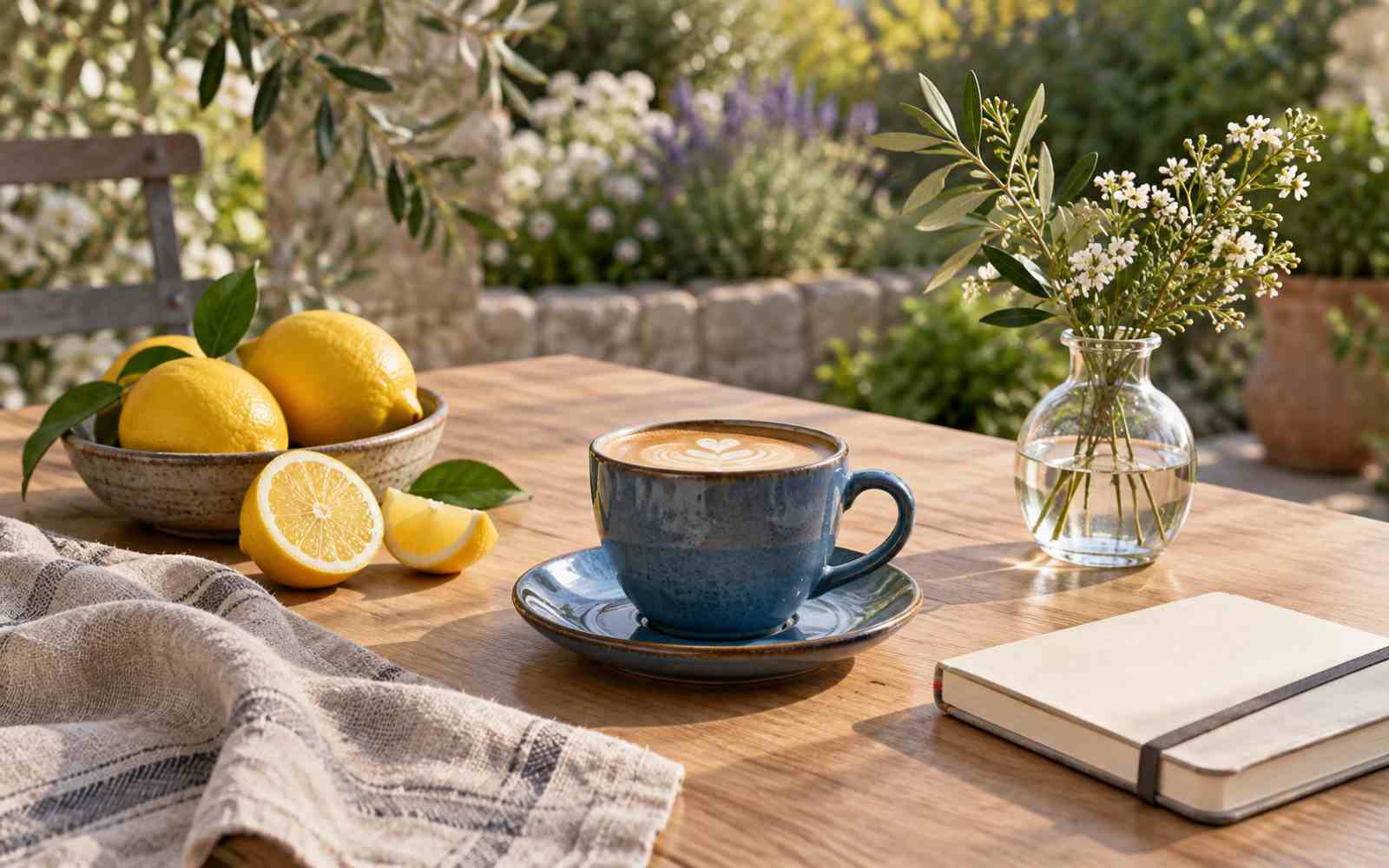
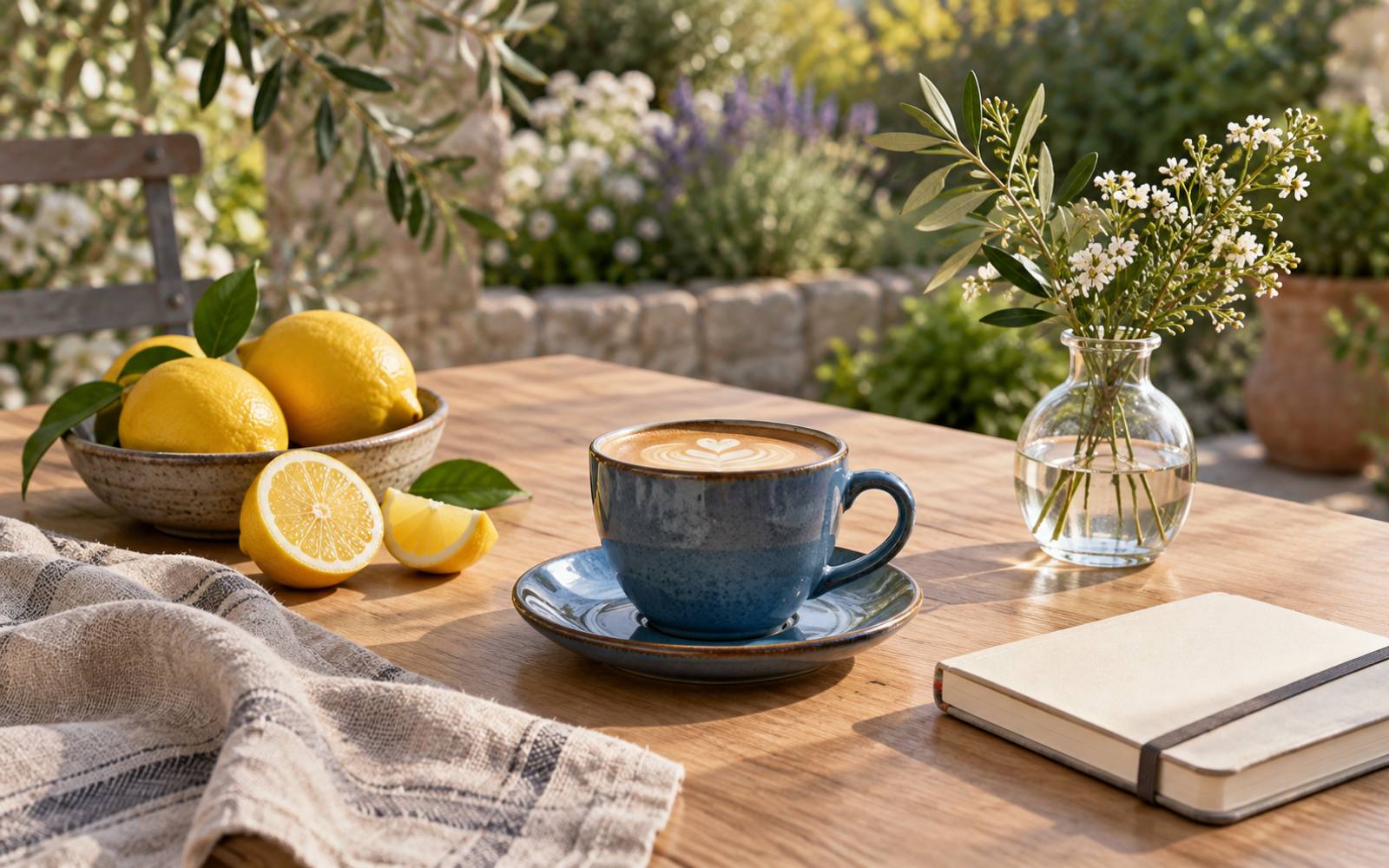
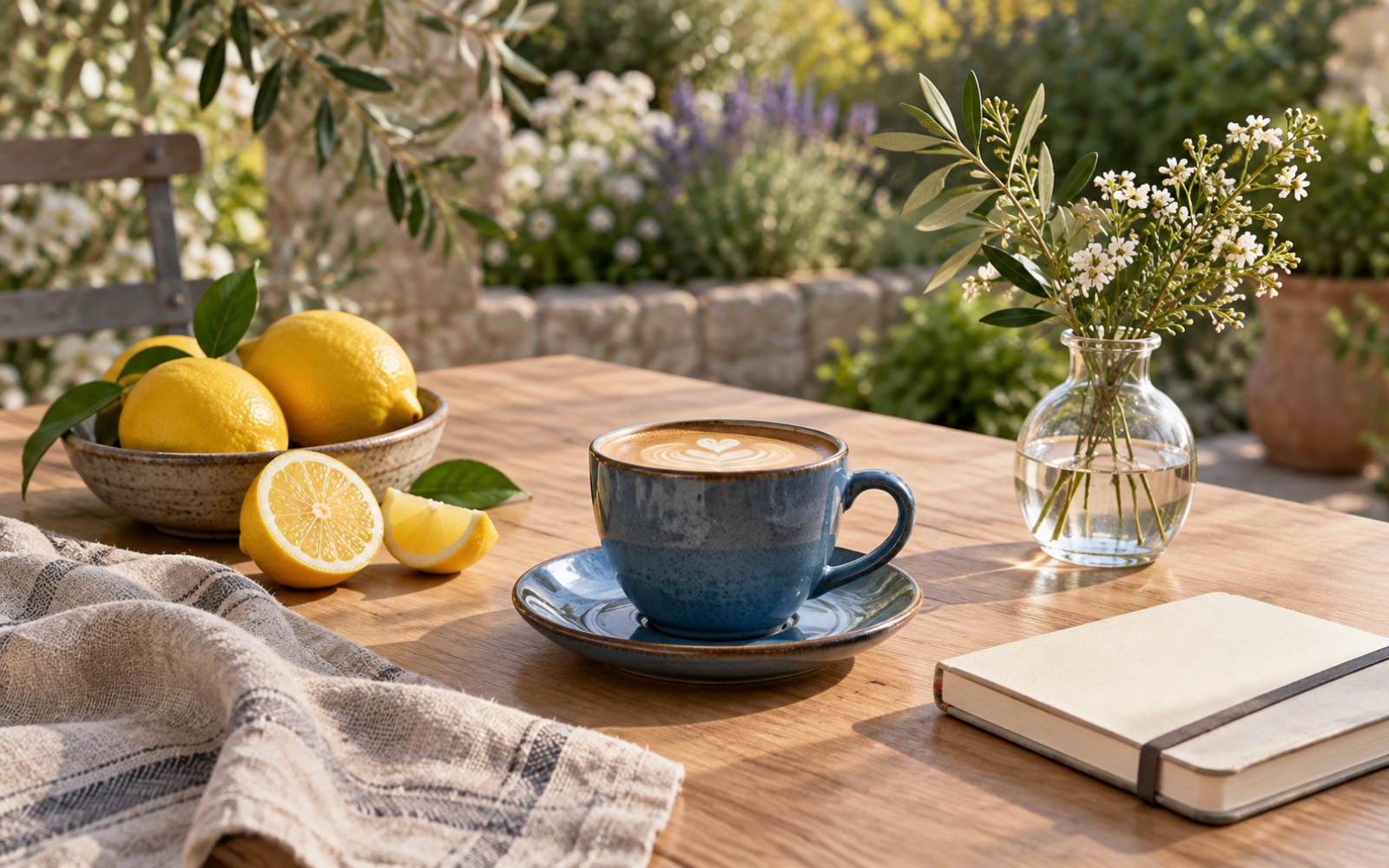
These runs change only the size target for the same input. The 100, 200 and 500 KB settings below are upper-size targets the engine tries to meet, not sizes it must fill. The engine can miss a target, so check the actual output size. If an output is already small enough, a larger target can produce the same file. All three outputs retained 1600 × 1000 pixels. The 100 KB result is smallest, but inspect detail at full size before deciding it is clear enough. This measurement does not score visual quality.
PNG input used for this measurement| Input · operation | Output size | Output pixels |
|---|---|---|
| AI cafe image · target 100 KB | 99.7 KB · target met | 1600 × 1000 |
| AI cafe image · target 200 KB | 199.4 KB · target met | 1600 × 1000 |
| AI cafe image · target 500 KB | 488.0 KB · target met | 1600 × 1000 |
A target is a size to stay below, not an exact output size. An already small file may not shrink and can become larger. Compare it with the original. Compression may reduce dimensions; use the submission JPG tool if exact dimensions are required. Do not submit an output that exceeds the limit.
If the target is not reached
A finished result may still exceed your size limit. If you see ‘Over target’, check the limit before submitting. Try another supported output format or smaller dimensions where permitted. An already small file may not shrink further.
Check quality and dimensions together
Meeting the target can reduce quality and pixel dimensions. Zoom in on document text. Converting transparent PNG to JPG fills transparent areas with your selected background color. Keep the original separately.
FileMori uses 1 KB = 1,000 bytes. Check the destination’s byte limit if it uses a different convention.
Content reviewed by FileMori ·
Checked the instructions against the published evidence. Each example keeps its own measurement date; this is not a new benchmark date.